
uControl Remote 2.
Open platform.
30-day battery.
Secure uControl Remote 2 before the first production run sells out.
Enter your email to get notified the exact second our Kickstarter goes live. The first batch is strictly limited and subscribers get exclusive access to our Kickstarter Special Pricing.
A modern universal remote, with mic, fully programmable, built around physical buttons, open platforms (such as Home Assistant) and full, local control. Always connected, so it works instantly, no waiting to wake up. Launching on Kickstarter soon.
Key milestones & timeline.
We anticipate that the project to deliver uControl Remote 2 will take approximately 6-8 months after the Kickstarter campaign ends. The remote handset hardware is already complete but no work has started on the bridge component, nor its software. This is where the bulk of development time will be spent.
-
Month 1
Development begins
Once Kickstarter funds have been received, development begins on the PCBA, software and bridge, with work starting immediately across all three areas.
-
Month 3
Alpha testing begins
The PCBA is expected to be completed within 10 weeks. Meanwhile, the software will reach an early alpha stage, ready for initial in-house testing and refinement.
-
Month 4
Bridge and beta testing
The bridge design, packaging and software will be ready for wider testing. Materials and plastics for mass production will be ordered, and API details released to manufacturer-tier backers.
-
Month 8
Production and release
The remote enters mass production while final software fixes are completed. The API is released to VIP backers and their orders are released, while non-VIPs are notified of their place in the dispatch queue.
Watch uControl Remote in action.
A complete control centre for your room.
"We designed the uControl Remote to feel right the first time you hold it. Every button, every curve - it's all there to serve the way you live."
Dillan Pattni, Lead Designer.


Create neater, smarter spaces.
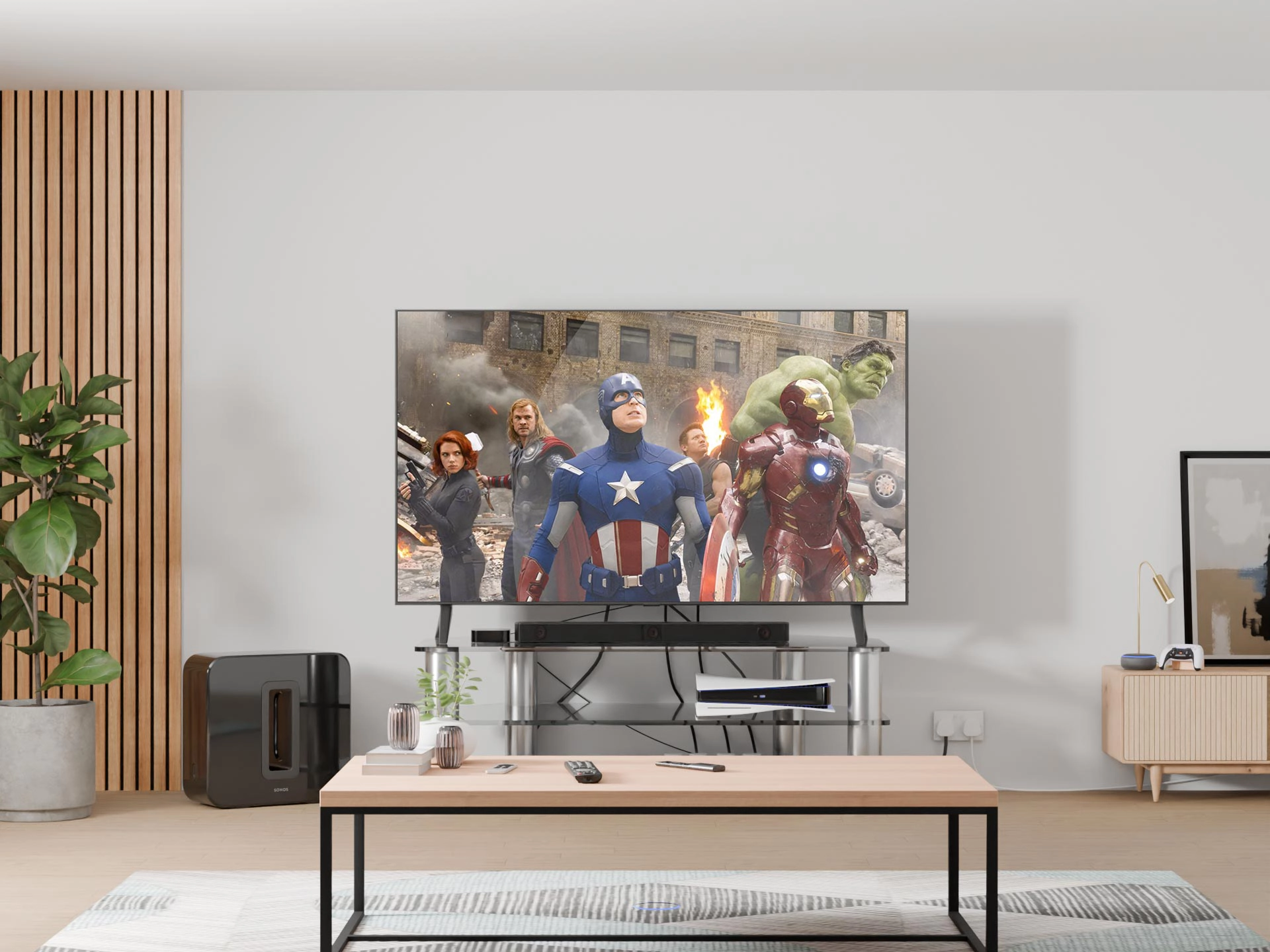
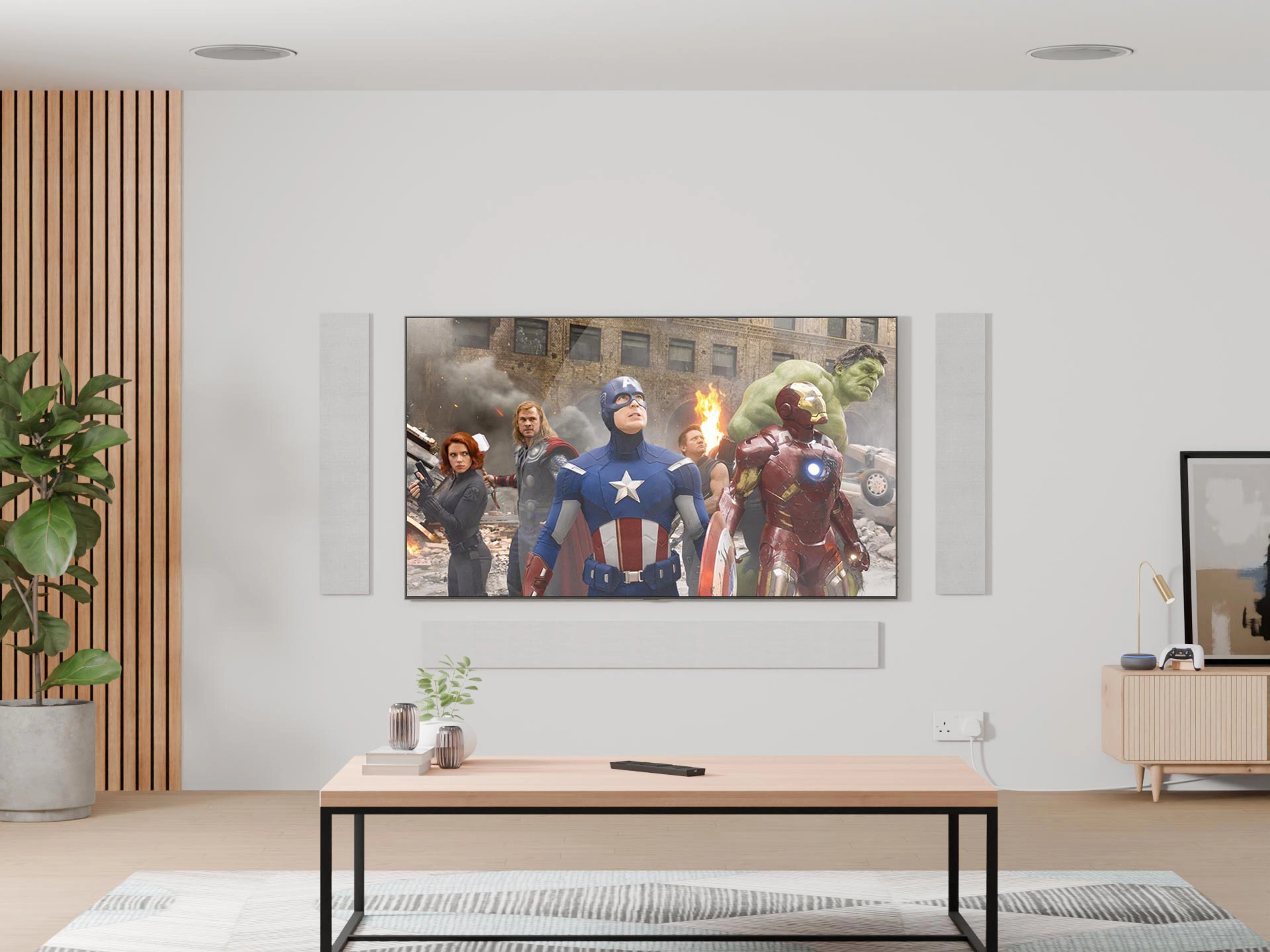
Declutter every room.
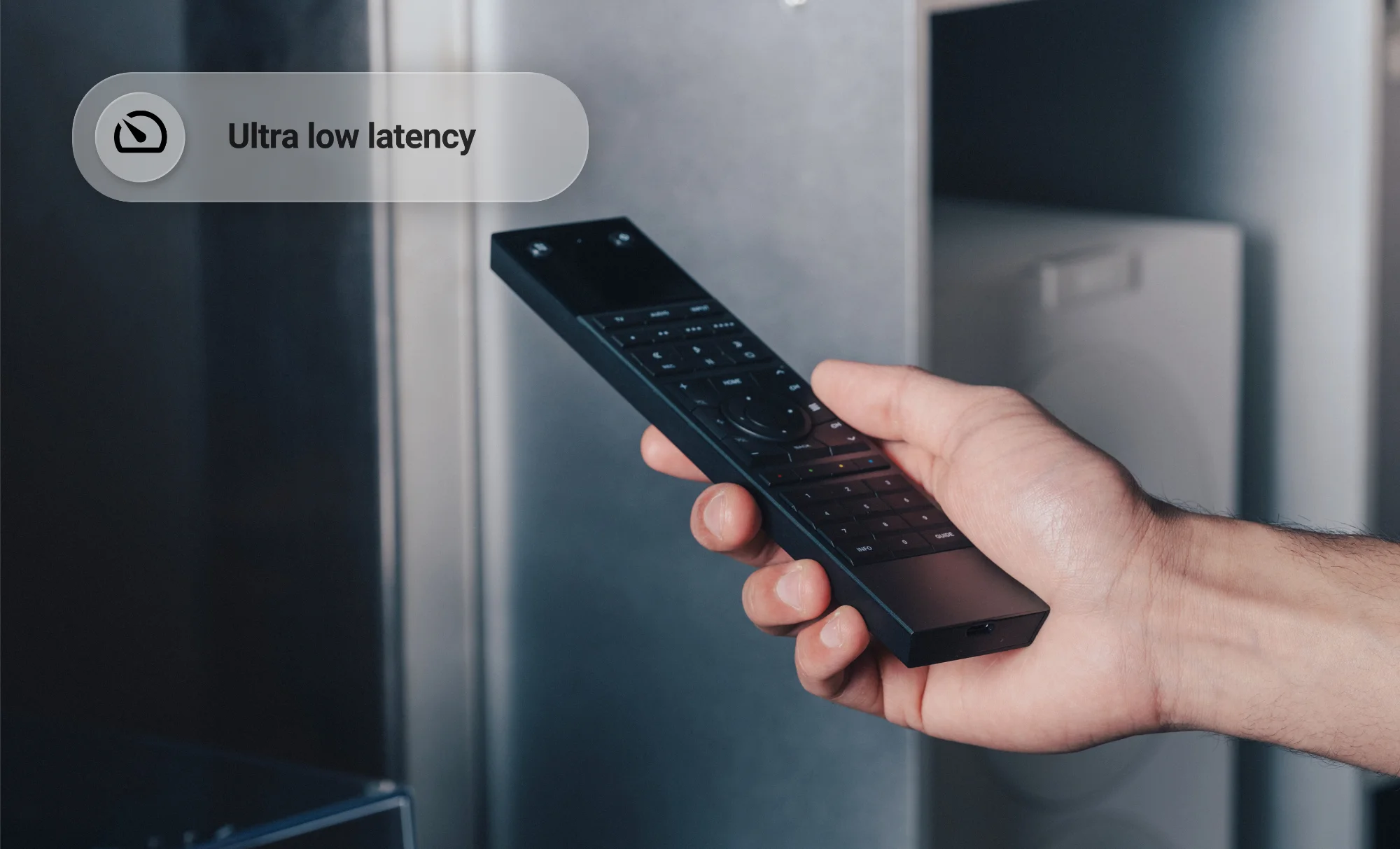
Hide the boxes, players and messy cables away from sight. uControl Remote 2 can uses IP (via a controller) to control your devices, so there's no need for line of sight.
Just the screen.
The only visible tech left in the room is the screen. No boxes, no cables, no clutter. Just the picture and sound you actually want to enjoy, controlled from a single remote.
One control for everything.
No more juggling remotes or switching apps. uControl Remote 2 can control your TV, music, lighting, shading and more. Connect it to our processor or Home Assistant for the perfect control experience.
Four ways to use your remote.
uControl Remote 2 is open, so you can use it as a standalone IR remote (if you want to replace your aging Logitech Harmony Remote), connect it to Home Assistant, use our supported uControl Connect Processor for easier control of lighting, blinds and out-of-sight devices (supported by us and recommended for professional installers), or use the API to integrate it with your own hardware and software.
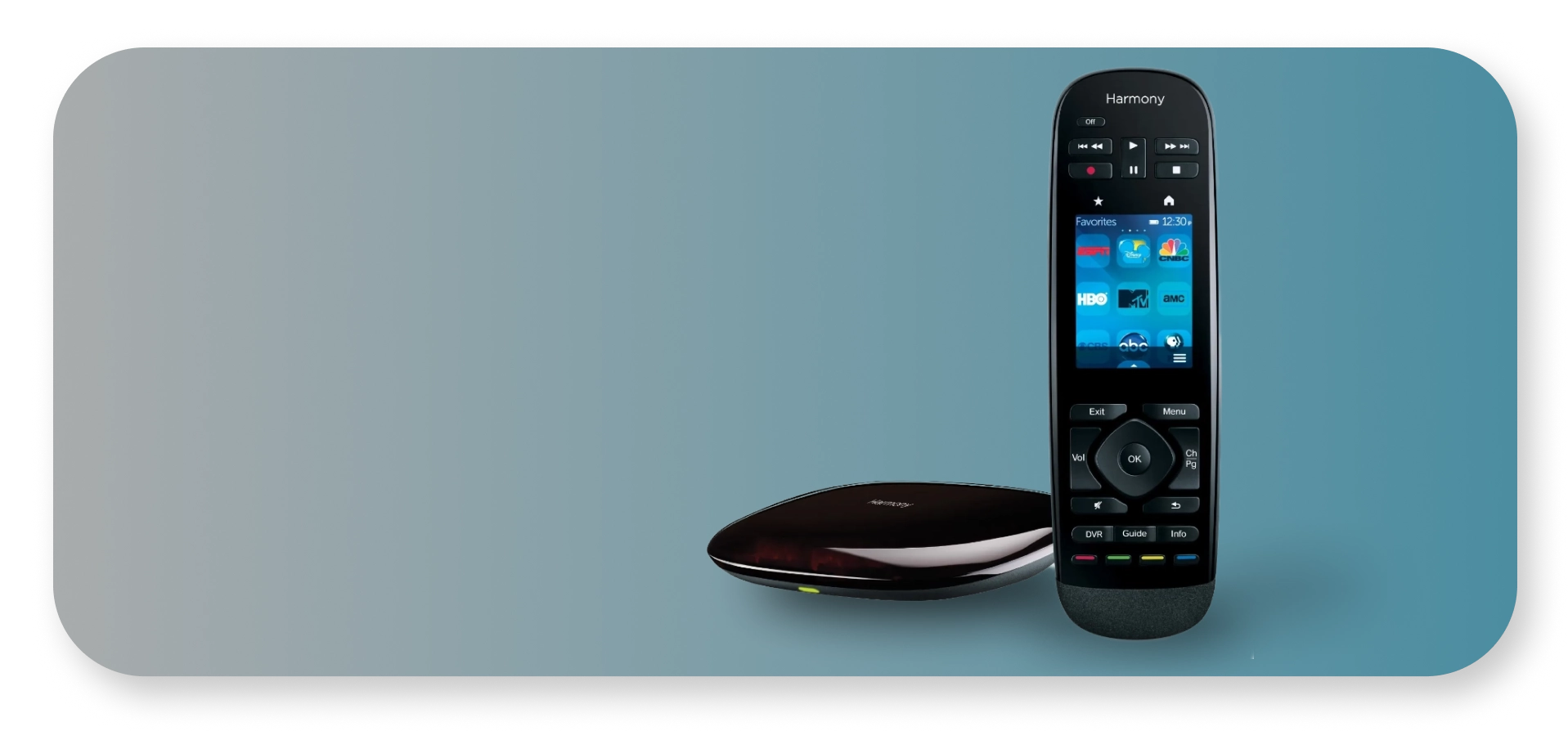
Logitech Harmony Replacement
Replace your aging Logitech Harmony remote with a modern-day equivalent. Build your universal remote using our online configurator. Supports infrared (IR) commands only.
- For:
Logitech Harmony users - Difficulty:
Easy - You need:
uControl Remote 2 only - Expandable:
Build your remote online using our easy-to-use configurator and install a file directly on to uControl Remote 2. Enhance what you can do with your remote by directly editing the configuration file to add modifications or IP commands for more advanced users.
Home Assistant
For those who already use Home Assistant and want complete control over how their remote works.
- For:
Home Assistant users - Difficulty:
Easy - You need:
A functioning Home Assistant installation - Fully customisable:
The open-source integration lets you decide exactly how the remote works. Home Assistant integration is community-supported and is not supported directly by us.
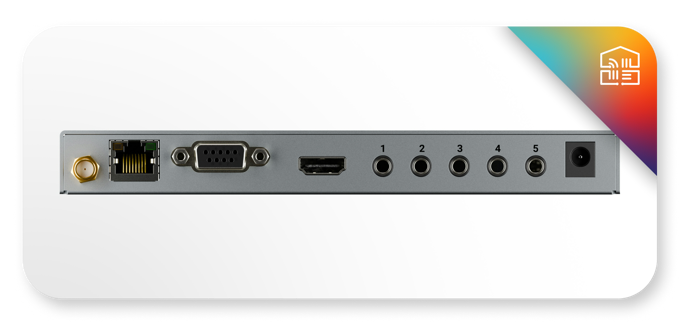
uControl Processors
For those who want a simpler, supported control system without the maintenance and complexity of Home Assistant. Ideal for prosumers and professional installers.
- For:
Prosumer users and professional installers - Difficulty:
Intermediate - Included IO Ports:
6 × IR, 1 × CEC and 1 × RS232 port - Additional Interfaces:
iOS app, Apple Watch and Siri support. - Fully supported:
Hardware and software are supported by us, with our support team available to help Advanced integrations including Matter and Lutron LEAP (RA3)
-- OR --
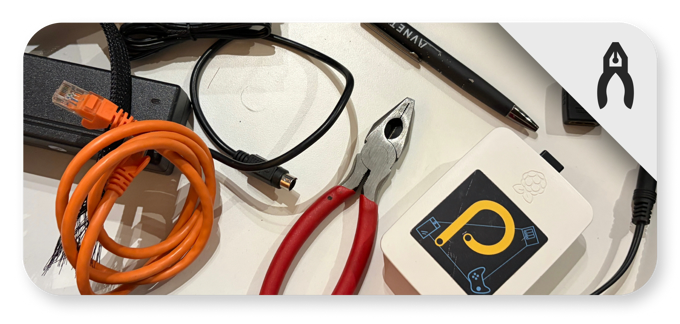
DIY: Build your own
For manufacturers, developers, coders, hotel operators or anyone who would like to add a smart remote to their existing system or hardware. Our open API lets you integrate uControl Remote 2 directly into your own hardware, software or system.
Configure with ease.
Configure your remote using our graphical configurator at https://remote.ucontrol.world, available at launch. It's designed for standalone IR use and uControl Connect Processor owners. If you're using Home Assistant or building your own API integration, you'll configure your remote through your chosen system instead.
For the best experience, we recommended browsing from a desktop.
Back us with confidence.
Based in Malvern, UK, we have been in business for 20 years building video distribution and control products for the luxury technology market and our hardware is installed in some of the finest homes across the world.
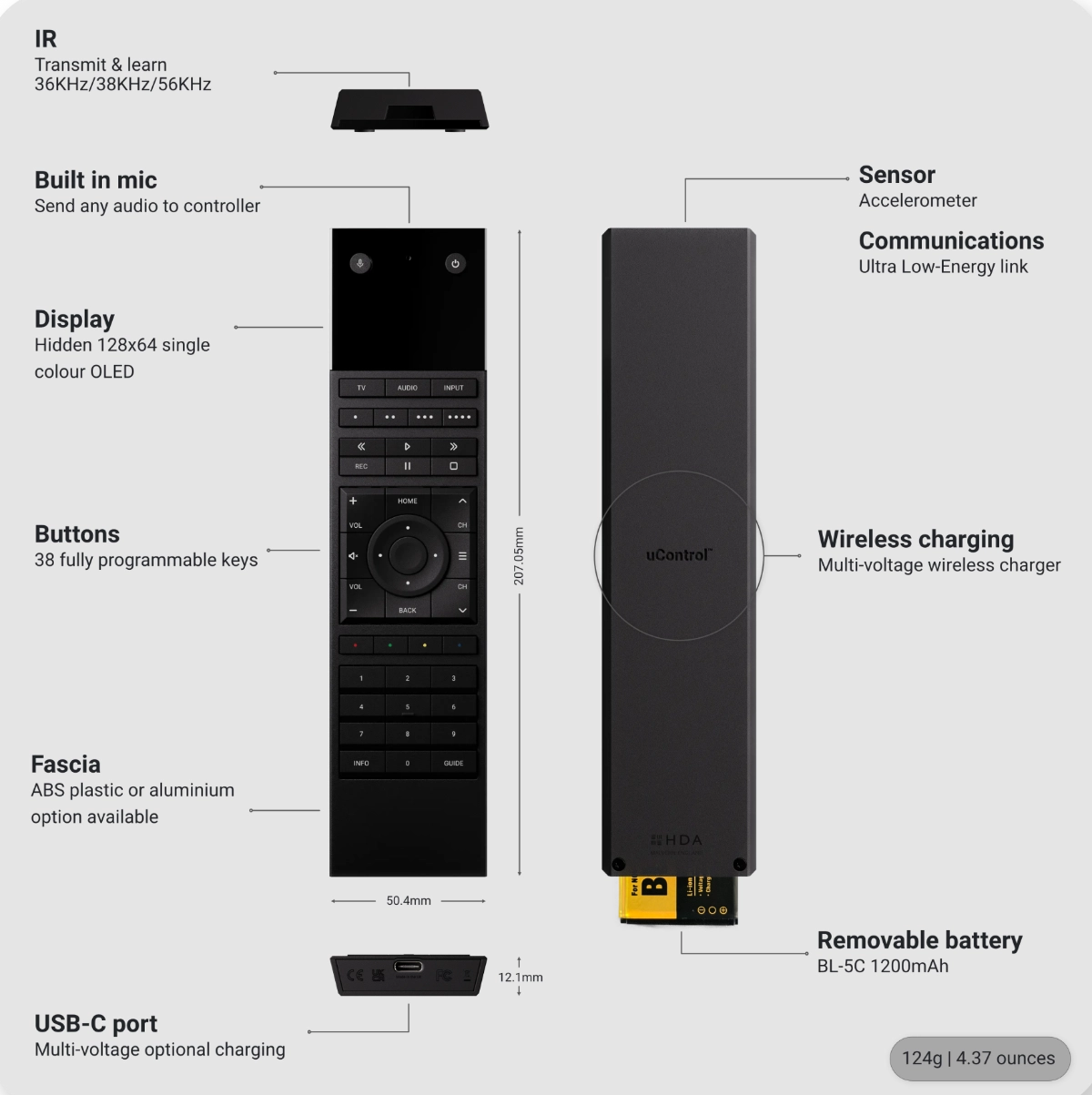
Technical Specifications.
Form
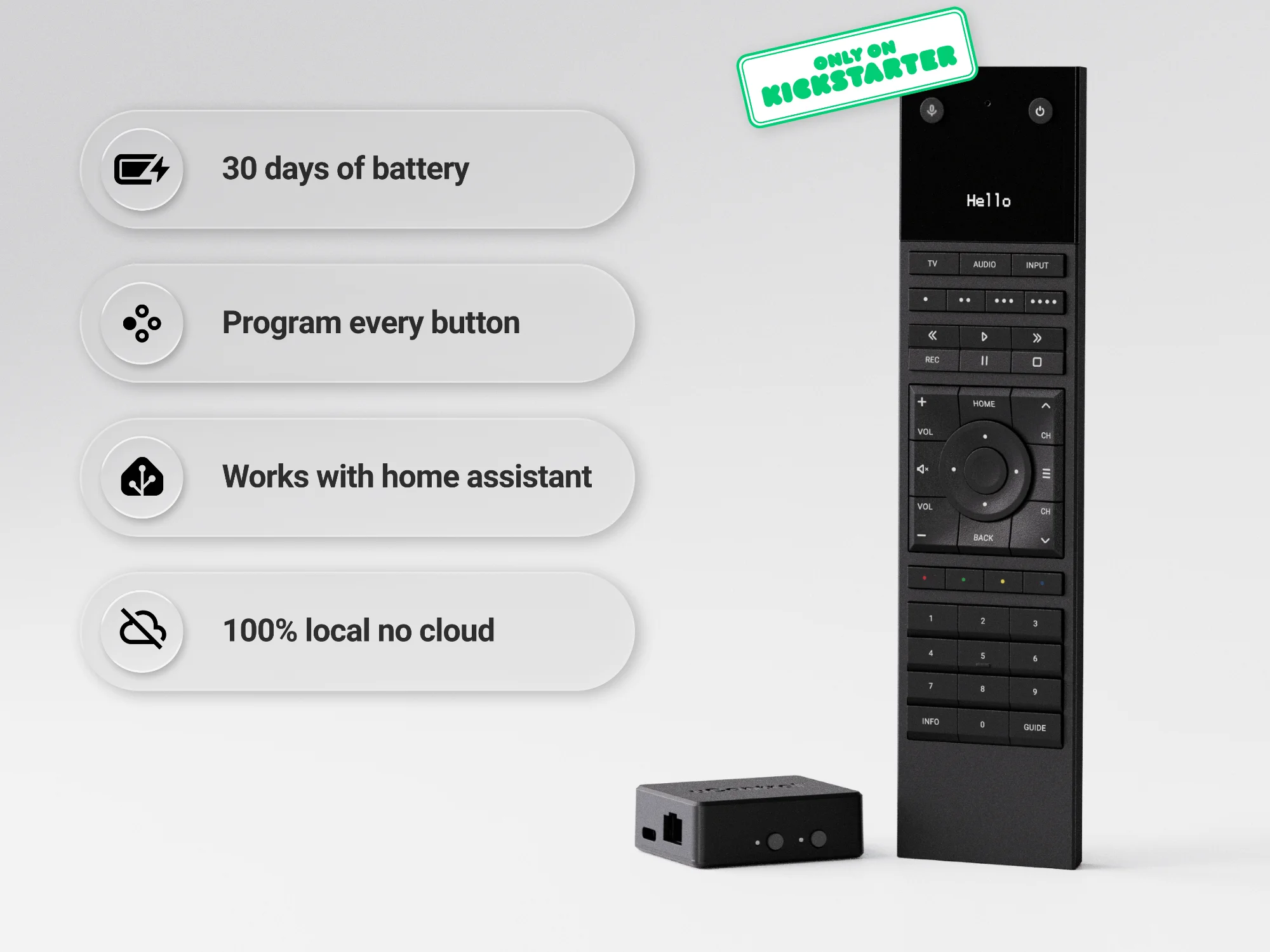
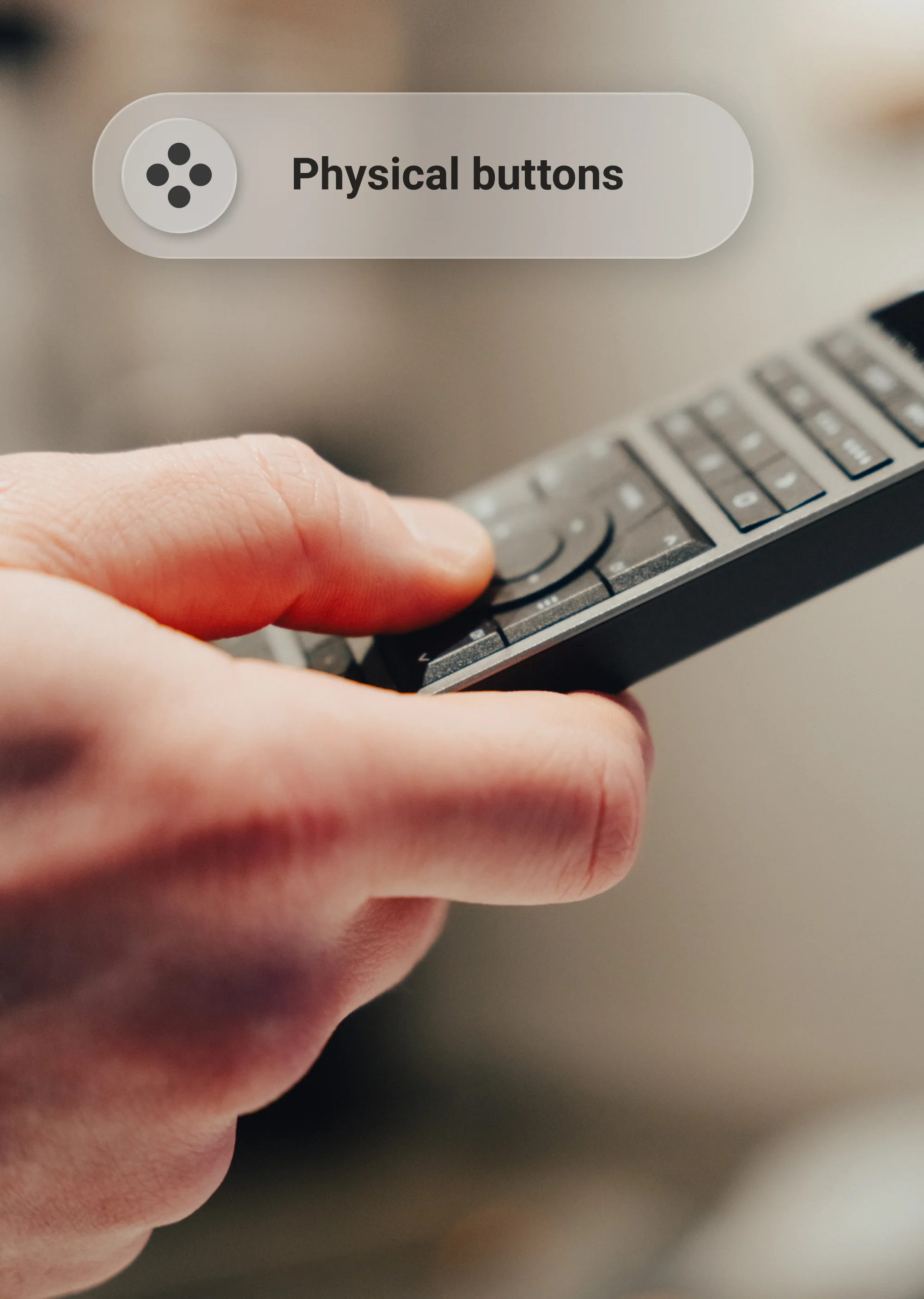
- Buttons44 (38 Programmable)
- Dimensions50.38 x 207.13 x 12.3 mm | 1.98 x 8.14 x 0.47 inches
- Weight124g | 4.37 ounces (Handset) (Bridge TBC)
- Battery1200mAh
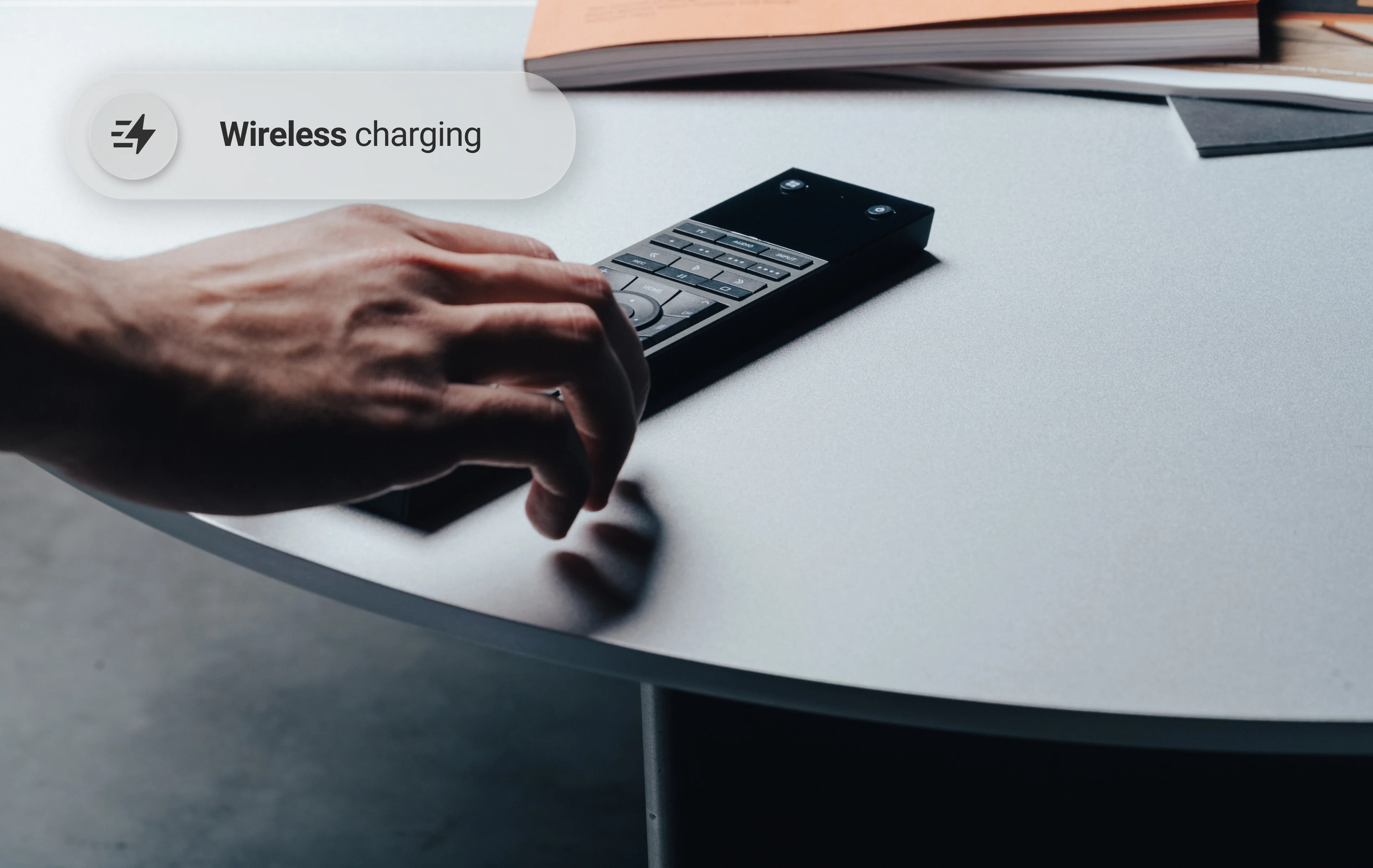
- ChargingUSB-C | Wireless*
I/O
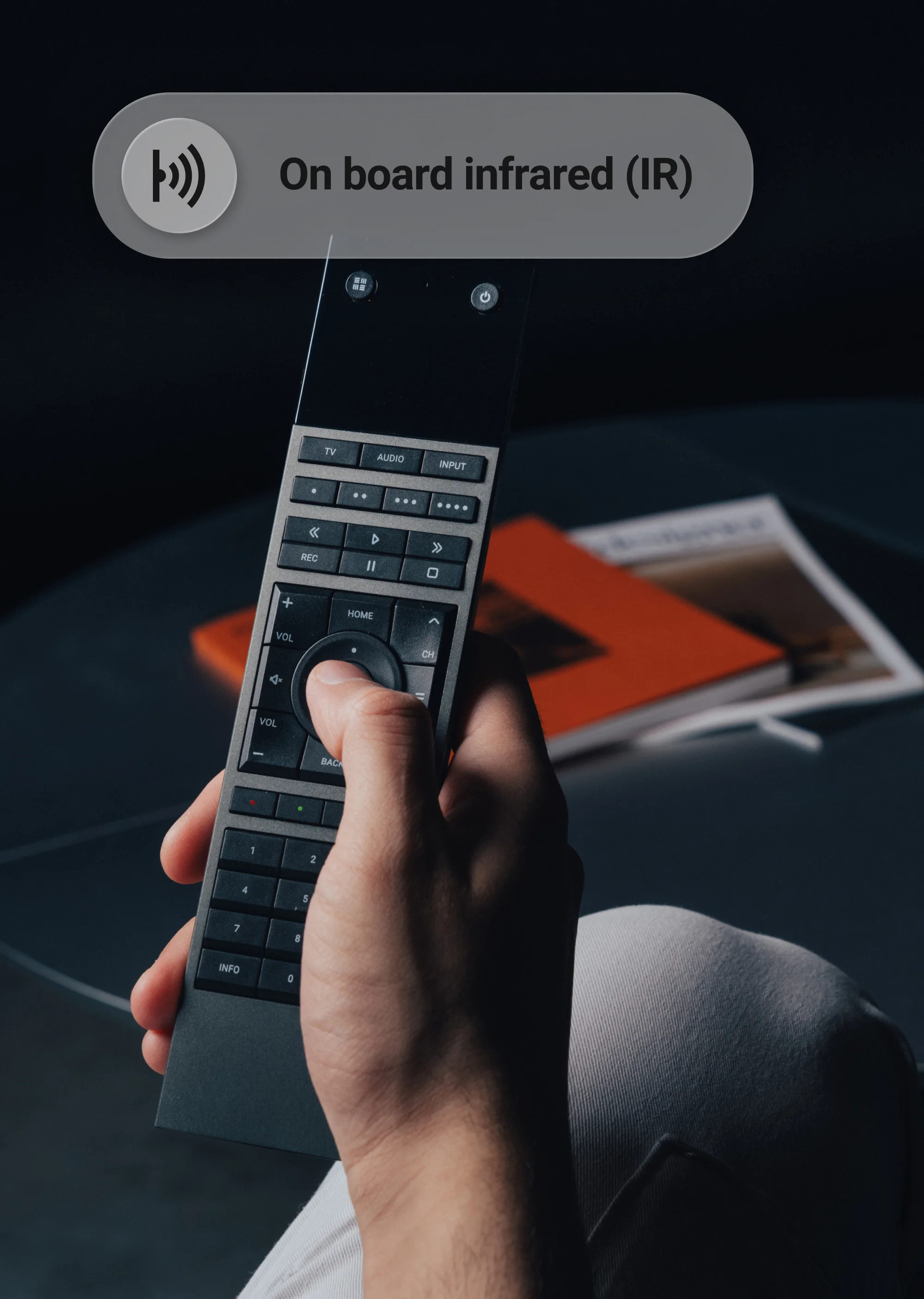
- IRLearn / Transmit (Handset / Handset & Bridge)
- IR Frequency36KHz/38KHz/56KHz (Learn & Transmit)
- IR Range13m | 42ft
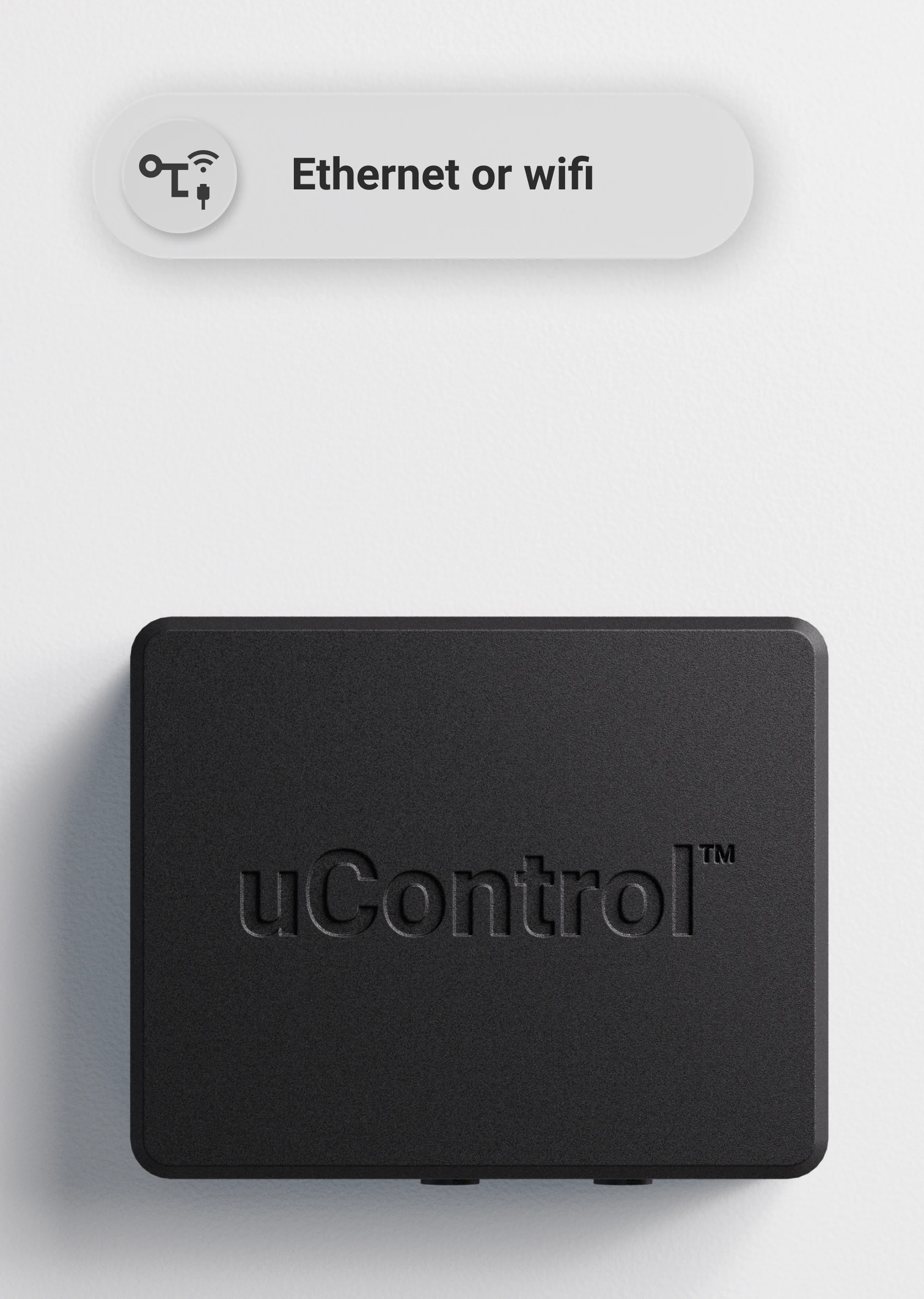
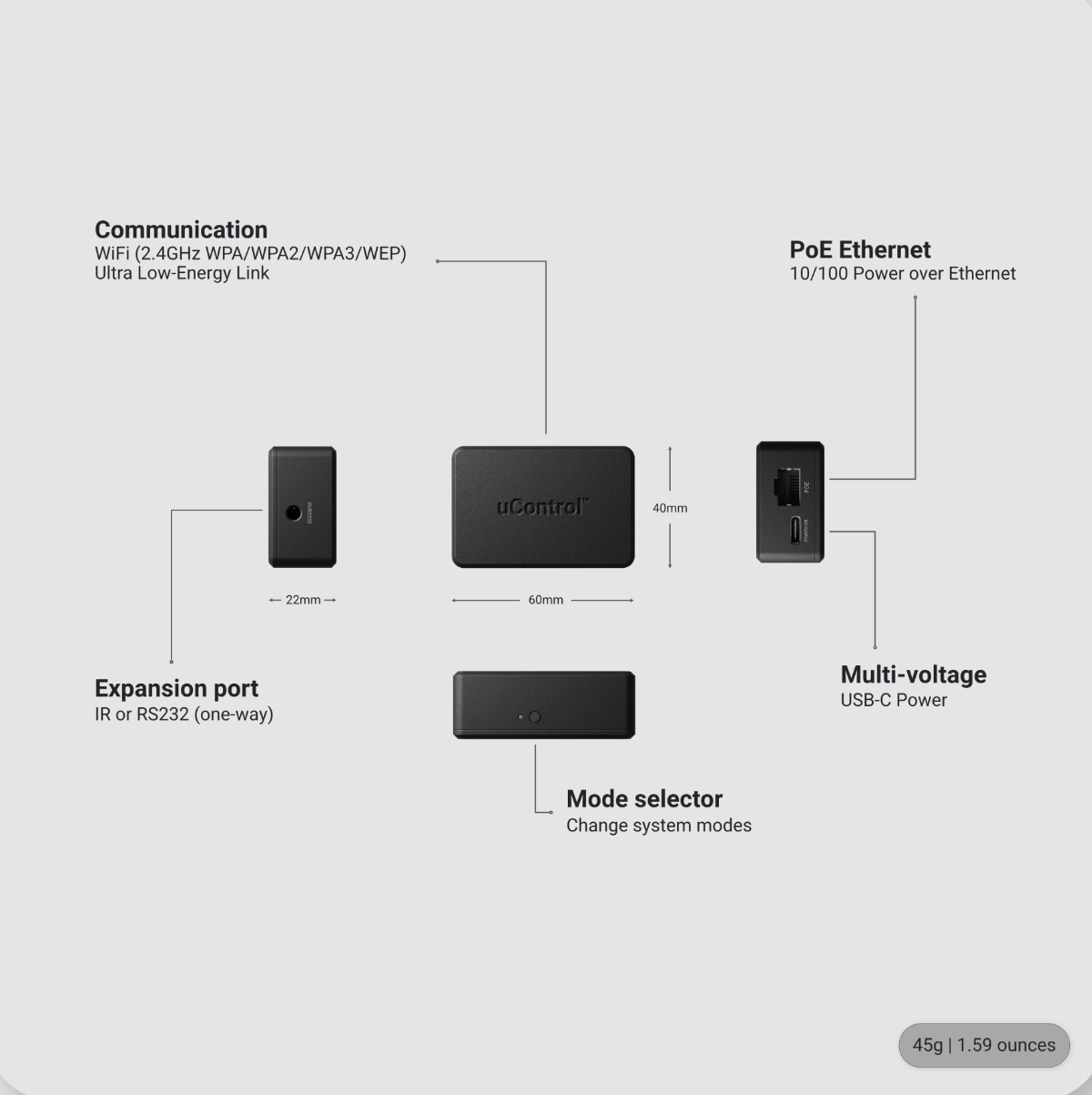
- EthernetPower over Ethernet (PoE) 10/100
- AerialsWiFi (2.4GHz WPA/WPA2/WPA3/WEP) | Low-Power RF Link
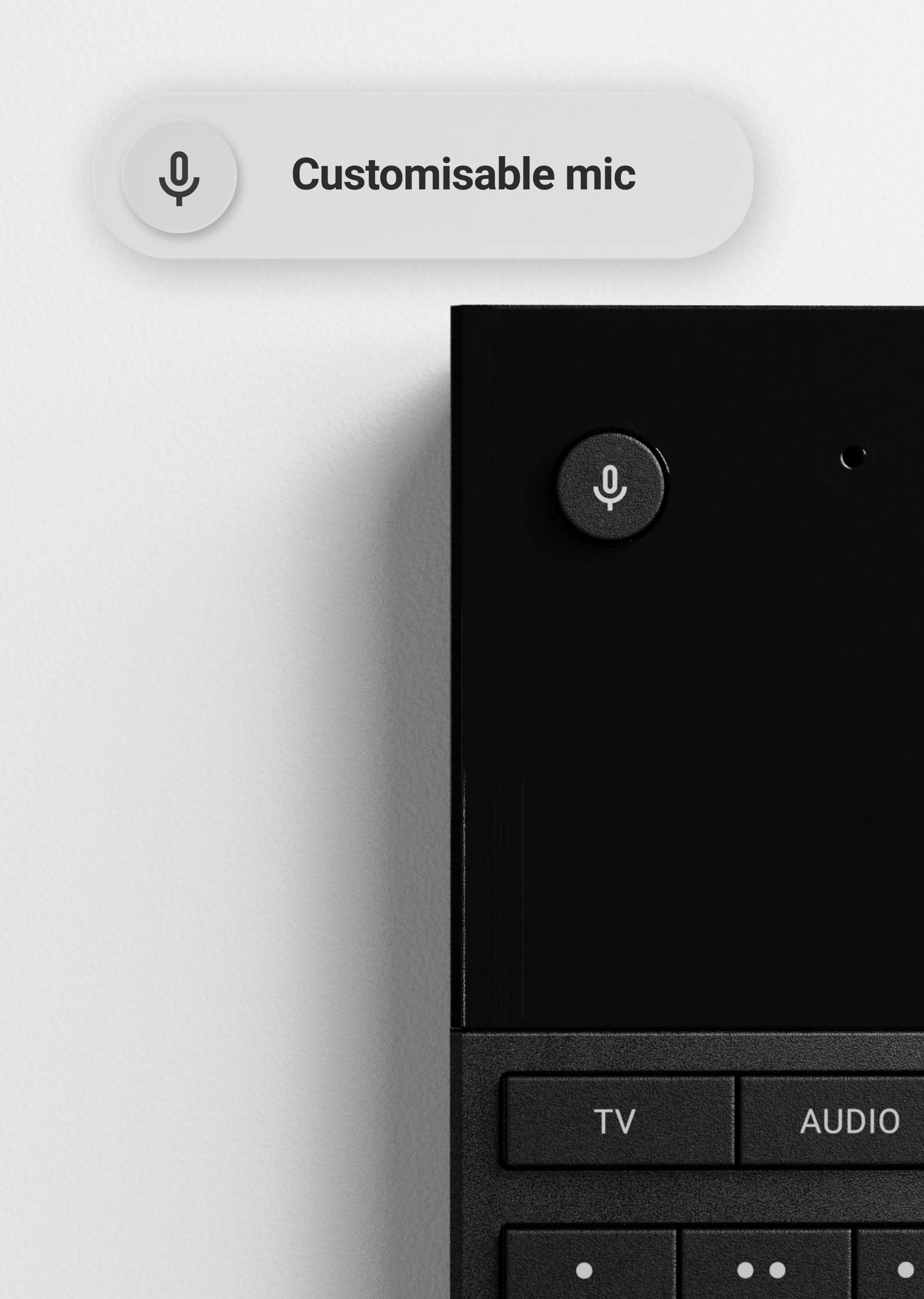
- Sensors & Addional IOAccelerometer | Microphone
* Compatible with any Qi wireless charger. Not Supplied.
Questions? Speak to the team or learn more.
Find a specialist.
Search for a uControl Specialist near you or browse nationwide showrooms to see the system in action.
Ask us a question.
Want to add uControl to your home or business but are unsure of something, let us know.
uControl Support site.
Browse integration guides, best practises and tips for your uControl system.
Get notified first.
Get access to exclusive Kickstarter pricing before anyone else.
Claim your discount today